Why Projections Exist — Your First Read Model
Learn why Event Sourcing needs projections and build your first read model with Ecotone's ProjectionV2. Lifecycle hooks, state, and CLI included.

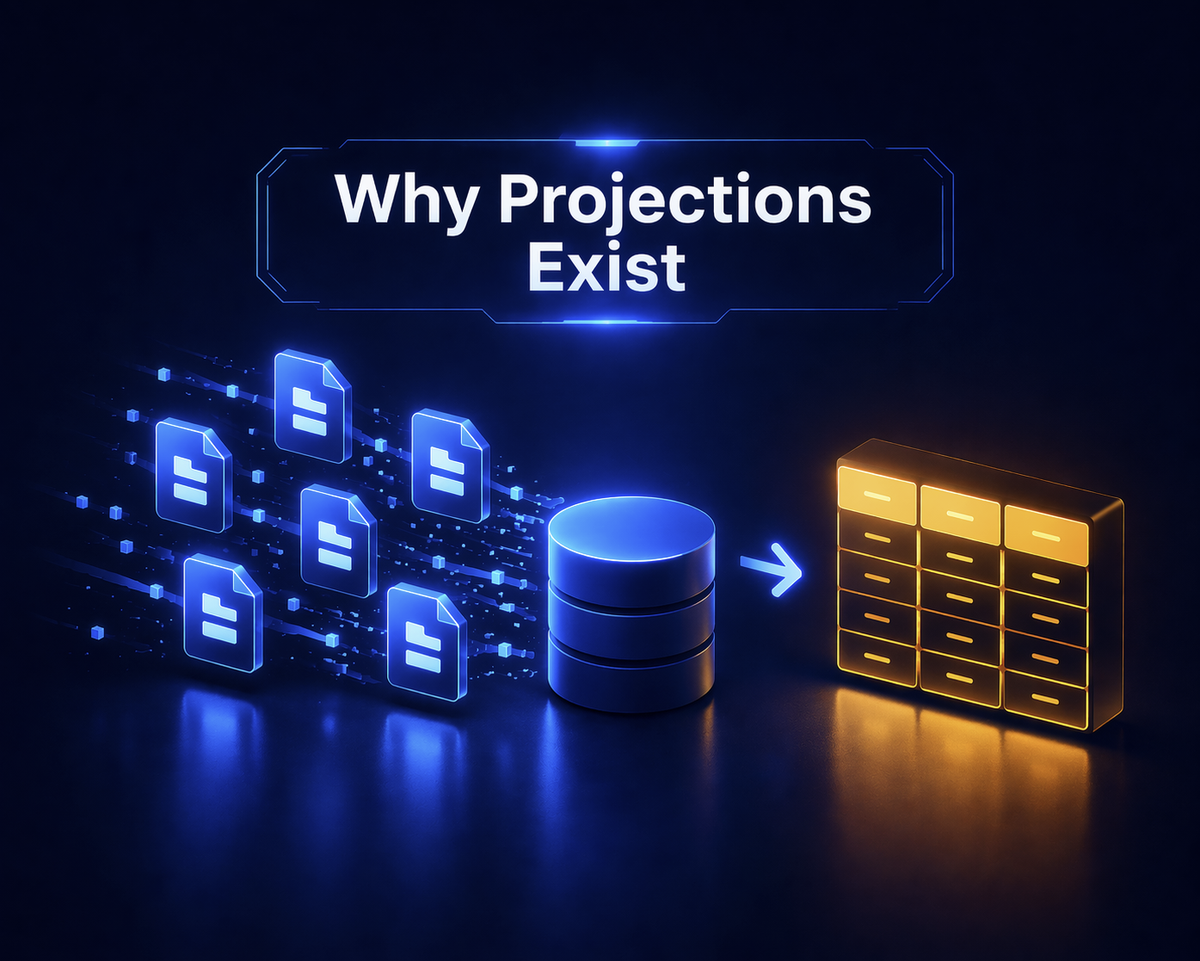
Event Sourcing gives you a complete history of everything that happened in your system. What it does not give you is a way to query it.
Sooner or later, someone asks for a list of open tickets or a dashboard showing today's orders — and you realize your append-only event log has no "current state" column. You need a read model. And to build a read model from events, you need a projection.
The Git Mental Model
Think of it like Git. Your Event Store is the commit history — every change ever made, in order, immutable. But when you open your IDE, you do not see commits. You see the working directory — the current state of all files, derived from that history.
A projection is git checkout. It takes the commit history and materializes a working directory — a read model — that you can actually query. The read model is always a function of the history. And just like git checkout, you can rebuild it from scratch at any time.

The projection continuously transforms the append-only Event Store (commit history) into a queryable Read Model (working directory)
This analogy goes further. When you add a second read model, you are creating a second working directory from the same commits — a different view of the same truth. When you reset a projection, you clear the working directory and rebuild it from scratch. When you deploy a new projection months after launch, the full event history is there, waiting to be materialized into a fresh read model.
Your First Projection
Here is how this looks with Ecotone's ProjectionV2. Two attributes, a few event handlers, and the framework takes care of tracking, initialization, and recovery:
#[ProjectionV2('ticket_list')]
#[FromAggregateStream(Ticket::class)]
class TicketListProjection
{
    public function __construct(private Connection $connection) {}

    #[EventHandler]
    public function onTicketRegistered(TicketWasRegistered $event): void
    {
        $this->connection->insert('ticket_list', [
            'ticket_id' => $event->ticketId,
            'ticket_type' => $event->type,
            'status' => 'open',
        ]);
    }

    #[EventHandler]
    public function onTicketClosed(TicketWasClosed $event): void
    {
        $this->connection->update(
            'ticket_list',
            ['status' => 'closed'],
            ['ticket_id' => $event->ticketId]
        );
    }
}
The complete TicketListProjection — event handlers that build the read model
That is it. No manual subscription, no event bus wiring, no registration. #[ProjectionV2('ticket_list')] names the projection. #[FromAggregateStream(Ticket::class)] tells it which event stream to read. Ecotone routes events by type-hint — TicketWasRegistered goes to onTicketRegistered, TicketWasClosed goes to onTicketClosed. Drop this class in your source directory and Ecotone auto-discovers it through its compiled container — no runtime scanning overhead.
The projection also needs lifecycle hooks — creating its table on first run, cleaning up on delete, clearing data on reset:
#[ProjectionInitialization]
public function init(): void
{
    $this->connection->executeStatement(<<<SQL
        CREATE TABLE IF NOT EXISTS ticket_list (
            ticket_id VARCHAR(36) PRIMARY KEY,
            ticket_type VARCHAR(25),
            status VARCHAR(25)
        )
    SQL);
}

#[ProjectionDelete]
public function delete(): void
{
    $this->connection->executeStatement(
        'DROP TABLE IF EXISTS ticket_list'
    );
}

#[ProjectionReset]
public function reset(): void
{
    $this->connection->executeStatement(
        'DELETE FROM ticket_list'
    );
}
Lifecycle hooks for initialization, deletion, and reset — the attribute names tell the story
The #[ProjectionInitialization] method runs automatically before the first event is processed. #[ProjectionDelete] is a full teardown — drop the table. #[ProjectionReset] clears data but keeps the table structure, then the projection replays from the beginning.
Position Tracking
Each projection stores its last-processed position — a bookmark in the event stream. After a restart, it asks the Event Store: "Give me everything after position 47." No replay from zero, no duplicate processing. Ecotone manages this entirely — you never track offsets yourself.
This means new projections are free to deploy at any time. Deploy one six months after launch, and it will build itself from the complete event log — replaying every historical event to construct the read model from scratch. After a failure, the projection resumes from its last committed position. No progress lost.
CLI Commands
For deployments and debugging, Ecotone provides CLI commands (shown for Symfony — Laravel uses artisan instead of bin/console):
bin/console ecotone:projection:init ticket_list

# Delete a projection — drops the table and tracking metadata
bin/console ecotone:projection:delete ticket_list

# Backfill — replay all historical events from the beginning
bin/console ecotone:projection:backfill ticket_list
The three essential projection commands: init, delete, and backfill
The most common workflow after fixing a projection bug: reset it (clears data, rewinds position), then let the next trigger replay everything. For larger datasets, backfill gives you more control.
Multiple Event Streams
Read models can subscribe to events from multiple aggregates — not just a single aggregate. A calendar overview needs events from both Calendar and Meeting aggregates. Stack the attributes:
#[ProjectionV2('calendar_overview')]
#[FromAggregateStream(Calendar::class)]
#[FromAggregateStream(Meeting::class)]
class CalendarOverviewProjection
{
    #[EventHandler]
    public function onCalendarCreated(
        CalendarWasCreated $event
    ): void {
        // insert into calendar overview
    }

    #[EventHandler]
    public function onMeetingScheduled(
        MeetingWasScheduled $event
    ): void {
        // add meeting to the calendar overview
    }
}
A projection that combines events from Calendar and Meeting aggregates into a single read model
Instead of joining tables at query time, you pre-join as events flow in. The read model is always ready to serve — no joins, no cross-table lookups, because the denormalization happened when the event arrived.
Without projections, you would JOIN calendars and meetings tables at query time — and every dashboard load pays that cost. With a combined projection, the JOIN happens once, when the event arrives. Every subsequent read is a simple SELECT against a pre-built table.
Projection State — Where It Gets Interesting
Everything up to this point is the baseline — most projection libraries handle event handlers, lifecycle, and position tracking in some form. The next feature is where Ecotone adds something you would otherwise build yourself: typed projection state with atomic persistence and a gateway for reading it.
Not every projection needs a database table. Sometimes you need a counter, a running total, a summary that accumulates across events. Creating a whole table for a single integer — and writing the repository, the queries, managing the schema — is busywork.
Ecotone solves this with projection state — a typed object that is persisted automatically, with no external storage to manage:
final class CounterState
{
    public function __construct(
        public int $ticketCount = 0,
        public int $closedTicketCount = 0,
    ) {}
}
A simple typed class to hold the projection's internal state
#[ProjectionV2('ticket_counter')]
#[FromAggregateStream(Ticket::class)]
class TicketCounterProjection
{
    const NAME = 'ticket_counter';

    #[EventHandler]
    public function onRegistered(
        TicketWasRegistered $event,
        #[ProjectionState] CounterState $state,
    ): CounterState {
        $state->ticketCount += 1;
        return $state;
    }

    #[EventHandler]
    public function onClosed(
        TicketWasClosed $event,
        #[ProjectionState] CounterState $state,
    ): CounterState {
        $state->closedTicketCount += 1;
        return $state;
    }
}
A stateful projection that counts tickets without needing a database table
The #[ProjectionState] attribute injects the current state. You return the updated state, Ecotone persists it. No repository classes, no manual serialization. The state can be a typed class (as shown) or a plain array — Ecotone handles serialization either way.
But here is the critical part: the state is saved atomically with the position update. If the process crashes between two events, the position and state either advance together or not at all. No window where the bookmark moved forward but the counter is stale. No possibility of double-counting after a restart.
With atomic persistence, this entire class of bugs does not exist. The framework handles the transaction boundary so you do not have to think about it.
The Gateway Pattern
A counter nobody can read is useless. #[ProjectionStateGateway] solves this. You define an interface, and Ecotone generates the implementation:
interface CounterStateGateway
{
    #[ProjectionStateGateway('ticket_counter')]
    public function getCounter(): CounterState;
}
A gateway interface for reading projection state — Ecotone auto-generates the implementation
This gateway is registered in your dependency container automatically. Inject it into any service, controller, or command handler. Call getCounter(). You get a deserialized, typed CounterState object back.
No repository classes. No database queries. No glue code. Define the interface, add the attribute, and the framework handles the plumbing. The typed state class means your IDE autocompletes the properties. Your static analysis catches type errors at build time, not at runtime. Your tests can mock the gateway interface like any other dependency.
Compare this to the alternative: create a table, write a repository, add a migration, wire it into your container, write the serialization logic, manage the transaction boundary with the projection position. For a counter. The gateway pattern collapses all of that into an interface with one attribute.
What Comes Next
There is something I have carefully avoided mentioning. Everything in this article runs synchronously — inside the same process, the same HTTP request, as your command handler. Every time a ticket is registered, the projection fires immediately.
Now think about what that means. That first extra projection you add doubles the amount of code that runs inside your write path. Five projections? Five times the work before your API can respond.
What happens when one of those projections is slow? What if it throws an exception — does it roll back the event too? What if your projection writes to the same database in a transaction with your aggregate, and the projection fails halfway through?
These are not hypothetical problems. I have seen teams end up with projection code that is more fragile than the CRUD it replaced — precisely because execution modes were treated as an afterthought. Ecotone treats them as a first-class concept.
Next article: synchronous vs. asynchronous execution, and why getting this choice wrong is worse than not having projections at all.